
We are going to continue our discussion of OpenSCAP in this post.
Red Hat Satellite is an infrastructure management product that enables management of multiple systems from a single dashboard. It can also provide integration with other Red Hat tools (e.g., Insights). In this post we will discuss how Satellite can be used to create and edit OSCAP policies.
Red Hat Satellite provides a web UI which makes management of OSCAP slightly easier than with the command line tool or workbench.
Red Hat Satellite will be accessed by opening a browser and entering the IP address of your organization’s Satellite Server.
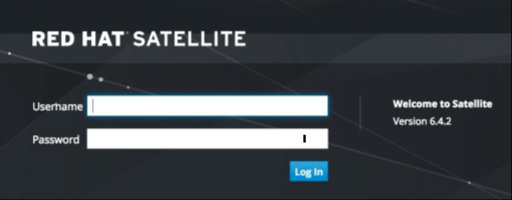
Enter your credentials and then navigate to Hosts and select Policies in the drop down menu.
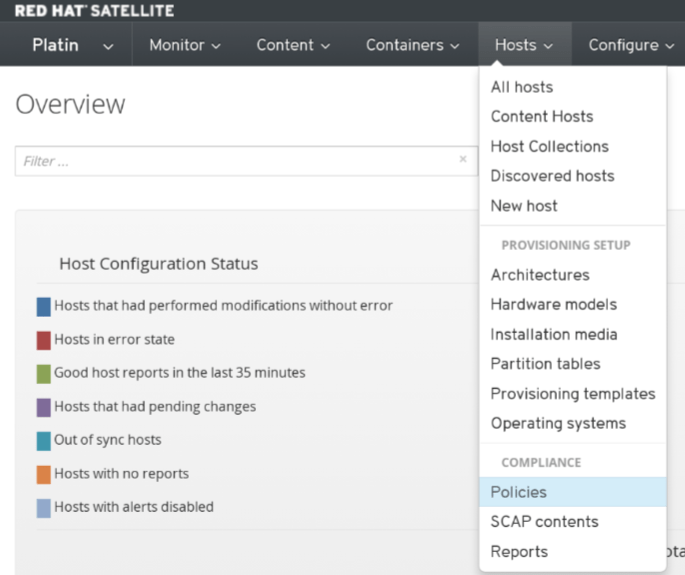
This will open the policy section of OSCAP in Satellite.
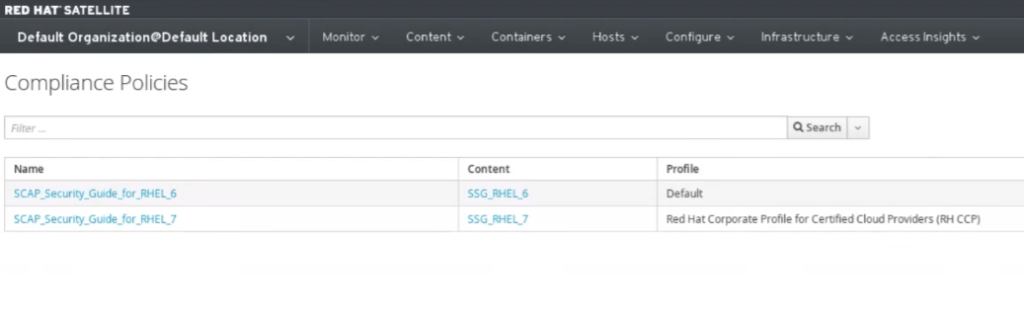
We create and edit our policies in the policy section. The policy creation process follows a similar flow to what we have previously seen in Workbench.
- Click on New Compliance Policy to create a new policy.

- Enter the policy name and description
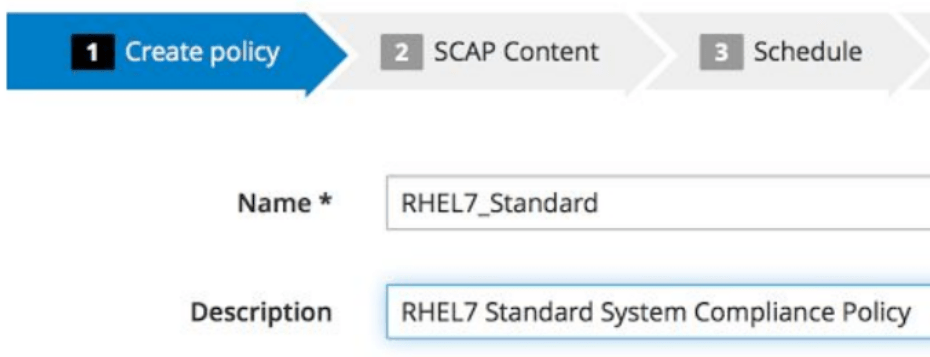
- Choose the SCAP Content and SCCDF Profile
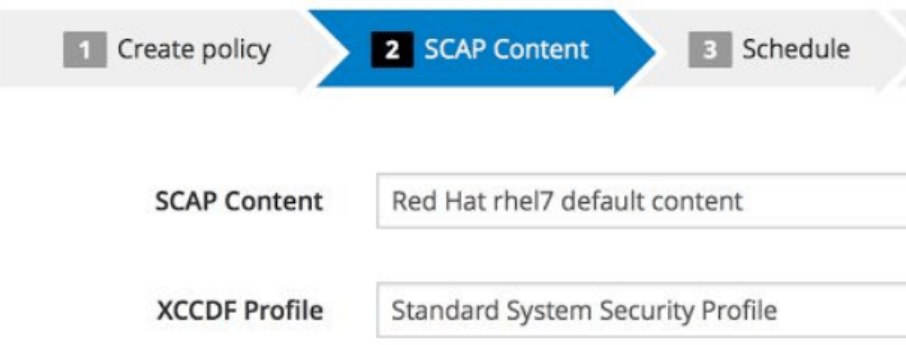
- Set the scan schedule
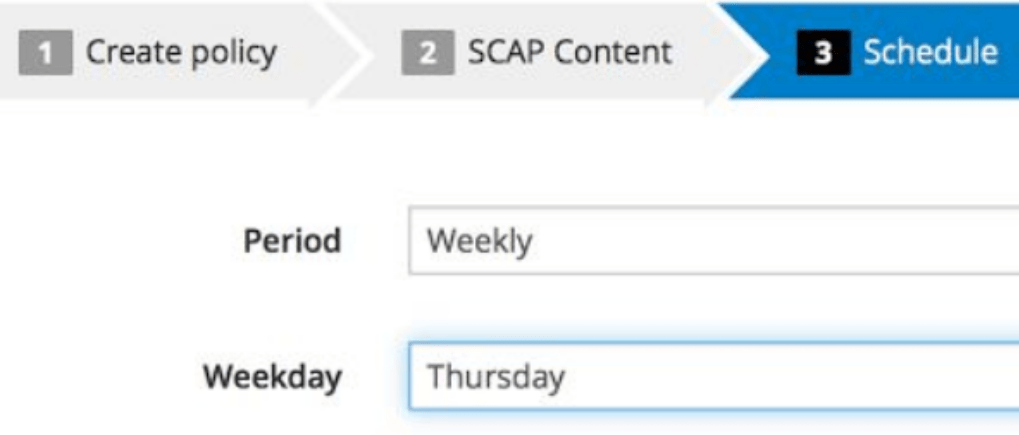
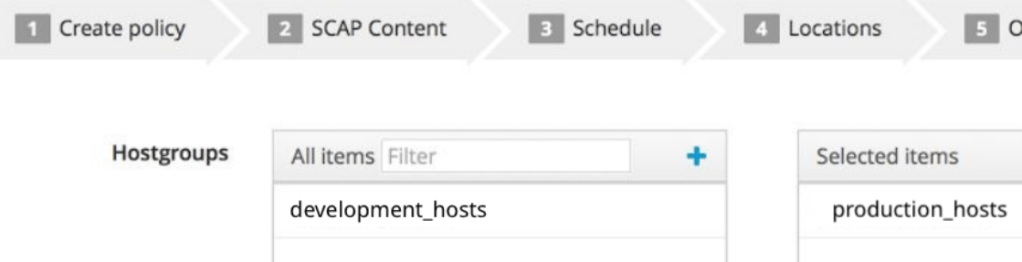
- The final step will be to designate target hosts that will be scanned and the policy.
The reports are accessed through the Hosts drop down menu by selecting Reports.
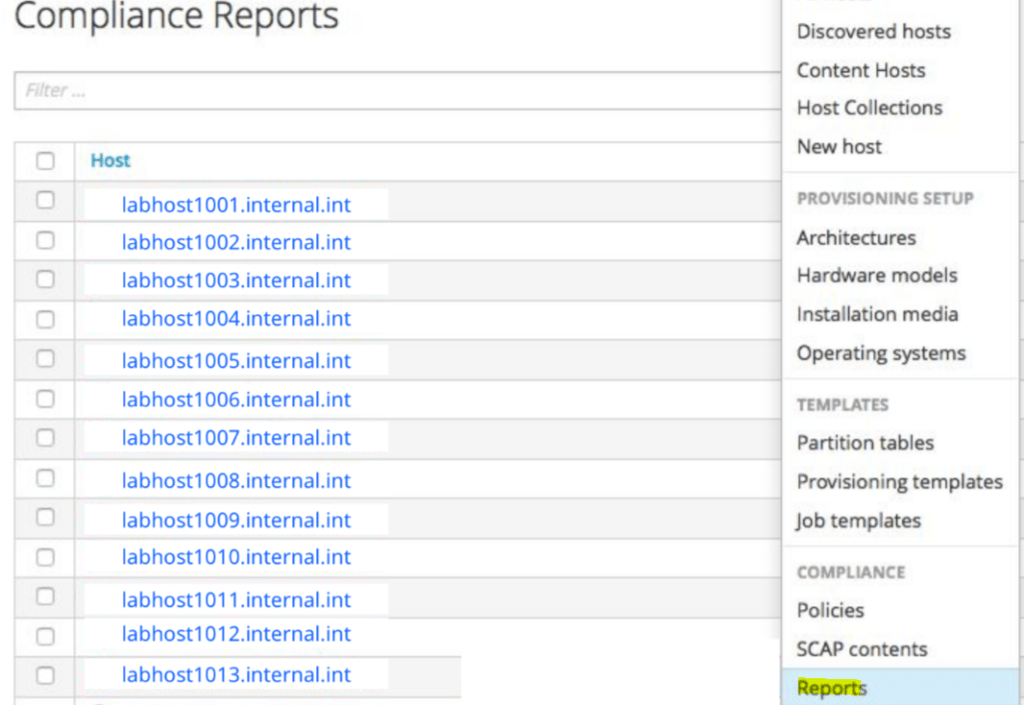
Clicking on either of these policies will let us see many of the parameters used to create the policy:
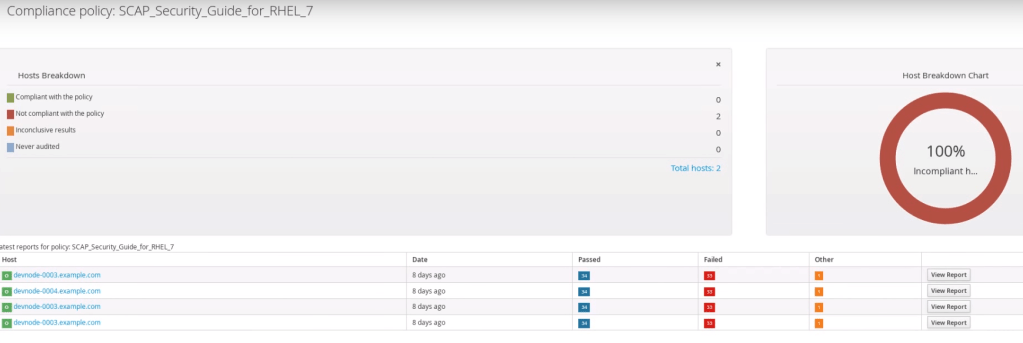
The bottom of this screen contains a list of hosts that have been scanned. We can see a detailed report by clicking View Report.
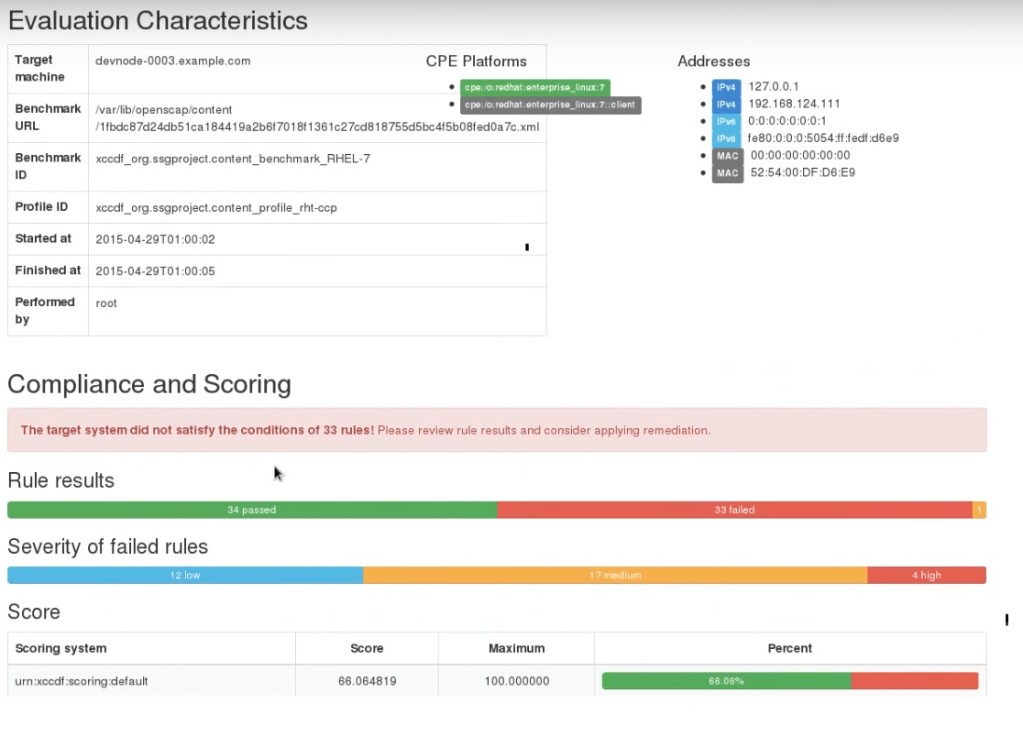
The report will show us audit status of the system which will based on the last scan run on the system. If we scroll down we will find a listing of rules and the scan results.
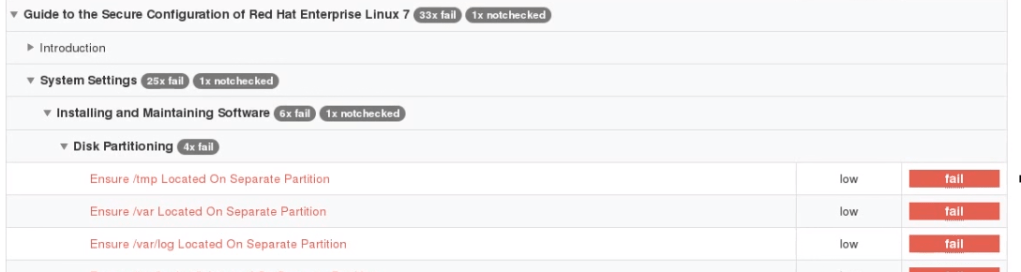
Clicking on any of the rules will provide us with more detail:

We can access remediation scripts in the detail screen.
Thank you for stopping by today. Our next post in the Red Hat Security Series will provide an introduction to Ansible. If the material in this blog has been beneficial we ask that you consider sharing it with your friends and colleagues.
 Cloud Security Essentials